Festive season is here. Christmas parties, family catch-ups, long summer nights, then Christmas Day, Boxing Day, NYE and New Year's Day all in one week.
It's the biggest opportunity of the year, and the busiest. The venues that do it best aren't working harder. They just know what's coming. Pre-orders, set menus and bookings tell you how many people to expect, what they'll eat and how much stock to order.
Here's your checklist to get set, plus a few tips to stay in control once it kicks off.
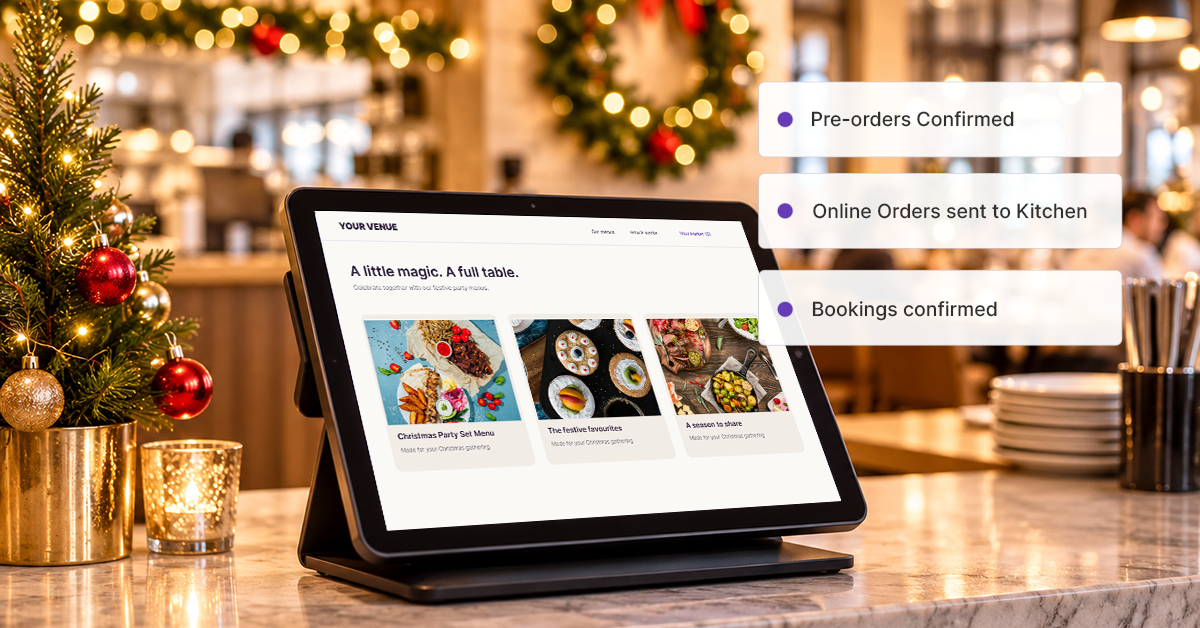
Your dine-in checklist
Build your Christmas set menus. Set up party packages and set menus in your POS now, so ordering on the night is one tap.
Take bookings online. Use our integration partner SevenRooms to take reservations from your website and capture the occasion and guest numbers upfront.
Lock in big groups early. Offer a pre-ordered set menu, paid before the day, so you know exactly what to prep.
Switch on group ordering. Guests order and pay individually, and the kitchen still gets one docket.
Use course calling for long lunches. Call the next course from the POS so dishes land on time.
Train your casuals in training mode. New staff can practise on the POS without touching real sales data.
Set your KDS timers and turn on Order Throlling to manage the online rush. Rush stickers and timers keep the kitchen on track when dockets pile up.
Check your backup printer. Make sure printer redirect is set up, so a jammed printer never costs you an order.
Update your public holiday trading hours on your website and Google profile.
Ask every guest to join your loyalty program. Festive first-timers are your January regulars.
Your online checklist
Get your festive menu live. Add photos and pin your festive specials to the top of your online menu.
Create festive bundles. NYE Essentials, Christmas Party Set, Family Feast. Set them up once and sell in-store and online.
Turn on upsells. Prompt drinks and dessert at checkout so every order works harder.
Setup pre-orders and catering. Set your pickup dates and times, and decide your cut-off for Christmas Eve orders.
Connect Uber Eats and DoorDash. Every delivery order flows into your POS, so you track and manage it all in one place. Save more with Uber Delivery, if you want to process orders directly while keeping your revenue, and using Uber's network of delivery drivers.
Add an "Order online" button to your website. Put the link in your Instagram bio and Google Business Profile too.
Put gift cards on sale online. Last-minute shoppers want easy gifts, and you get the money upfront.
Check loyalty is on for online orders, so every festive order earns points.
How Oi Get On It handles the rush
Oi Get On It sits in a Melbourne CBD food court with about 20,000 office workers on the block, so the lunch rush is no joke. Kiosks and online ordering take orders off the counter, the kitchen screen shows what's due in the next 10 to 15 minutes, and online orders are picked up in five-minute windows.
"Once that slot is filled with the amount of burgers, that slot will close, and then the next five-minute slot will open. If a product sells out, I can mark it unavailable directly from the POS and it updates instantly."
-Tony, Oi Get On It.
Sell more this December
Once the orders are rolling in, three quick Online Store changes make each one count, without adding work for your team.
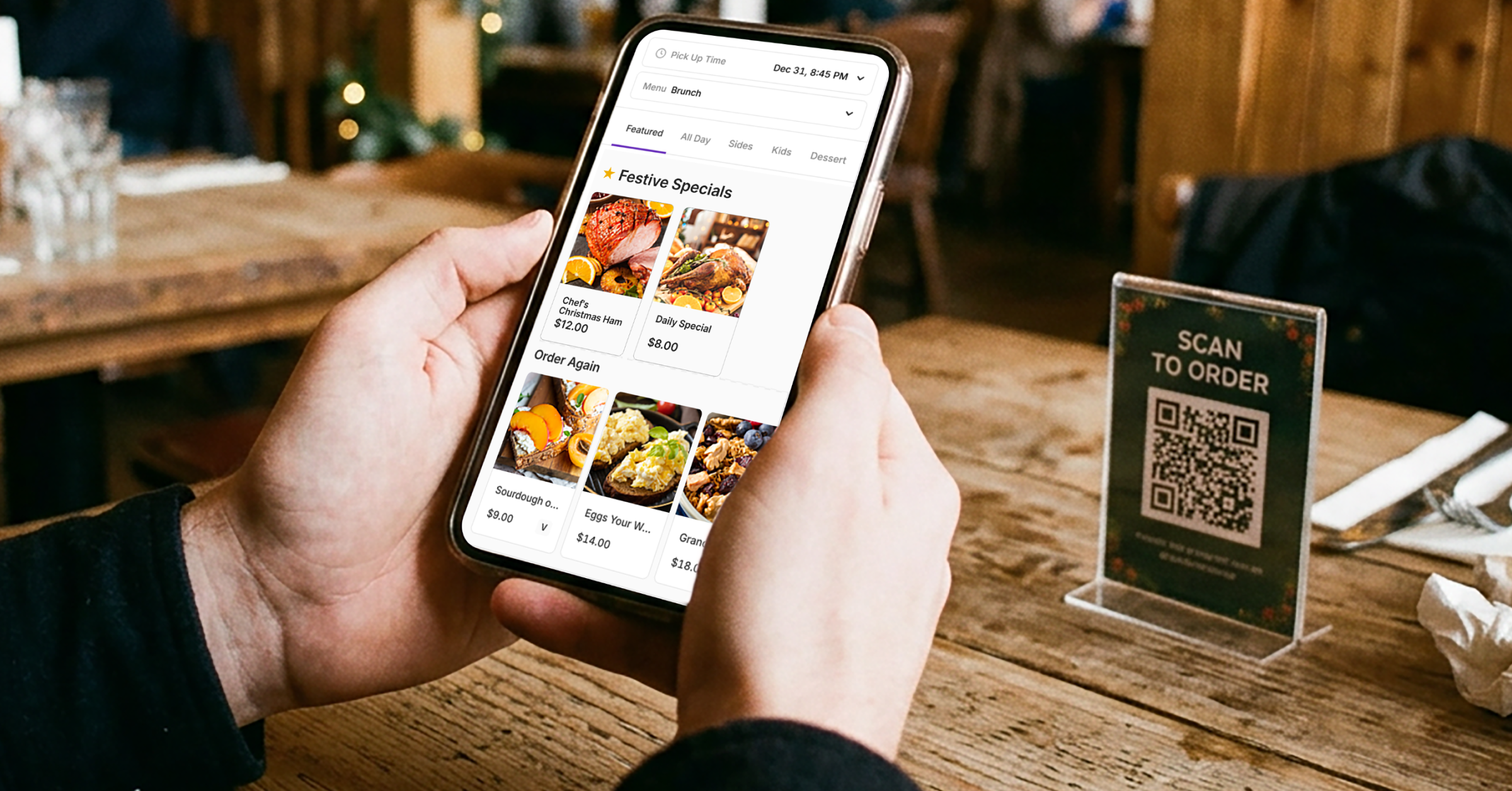
Create festive bundles
-
What to bundle: an NYE Essentials pack, a Christmas Party Set Menu, a Family Feast or a festive combo
-
Set it up once and sell it in-store and online.
-
Name it clearly and say exactly what's in it, so there are no questions at pickup
-
Add a photo. People order what they can see.
Turn on upsells at checkout
-
Pair them sensibly: platters with drinks packs, mains with sides, anything with dessert.
-
Keep it to two or three suggestions so it feels helpful, not pushy.
-
Pick add-ons with good margins that your kitchen can do quickly.
Pin your festive specials to the top
-
Create a "Festive Specials" section and pin it to the top of your online menu.
-
Feature high-margin dishes, like a Chef's Christmas Ham or a daily special.
-
Use it to move surplus stock before you close for the break.
Check in halfway through December. Open your menu performance report in Oolio Insights. Keep the bundles and upsells that are selling, swap the rest, and bundle slow movers with a best-seller.